Views
Views are HTML files that generate the user interface of your application. They display dynamic content from models and controllers using the Fat-Free Framework templating engine.
Views are the presentation layer of your application. They are responsible for taking data from your controllers and displaying it to users in a readable, interactive format. In Fuwafuwa Framework, views are simple HTML files that use the Fat-Free Framework templating engine to render dynamic content.
The templating engine allows you to include variables, loops, conditional statements, and other dynamic content in your views without having to write complex PHP code. This separation of concerns makes your views cleaner and more maintainable, while also making it easier to work with designers.
Fuwafuwa also supports themeing, which allows you to easily switch between different visual styles for your application. This makes it easy to customize the look and feel of your application without having to modify all your views.
Template System
Fuwafuwa Framework utilizes the Fat-Free Framework (F3) templating engine, which provides a simple, yet powerful way to create dynamic views. This templating engine allows you to separate your HTML from your PHP code, making your views cleaner and more maintainable.
The F3 templating engine supports a variety of features that make it easy to create dynamic content. Here are some of the key capabilities:
- Include other views - Break down your UI into reusable components
- Perform simple loops - Iterate over data arrays for dynamic content
- Use template variables - Access data passed from controllers via the F3 hive
Keep complex logic in controllers and pass processed data to views using the F3 hive. This promotes better separation of concerns and cleaner, more maintainable views.
Root Template Structure
The main layout template (views/theme/fuwafuwa/templates/template.html) uses fragments for modular content:
<!doctype html>
<html>
<head>
    <f3:fragment id="meta" tag="FALSE" />
    <f3:fragment id="style" tag="FALSE" />
</head>

<body>
    <nav><!-- navigation --></nav>

    <!-- Main content area -->
    <f3:fragment id="content" tag="FALSE" />
    <check if="{{ isset(@content_html) }}">
        {{ @content_html | raw }}
    </check>

    <footer><!-- footer --></footer>

    <f3:fragment id="script" tag="FALSE" />
</body>
</html>
Fragment Injection
Content views inject content into template fragments using <f3:inject>:
<!-- Inject into content area -->
<f3:inject id="content">
    <h1>My Page Title</h1>
    <p>This content appears in the main body.</p>
</f3:inject>

<!-- Add custom styles -->
<f3:inject id="style" mode="append">
    <style>
        .custom { color: blue; }
    </style>
</f3:inject>

<!-- Add custom scripts -->
<f3:inject id="script">
    <script>
        console.log('Page loaded');
    </script>
</f3:inject>
Injection Modes
| Mode | Description |
|---|---|
overwrite | Replace existing content (default) |
append | Add after existing content |
prepend | Add before existing content |
Fragment injection is enabled by the f3-template-sections library.
Template Variables
Template variables are how you pass data from your controllers to your views. In Fuwafuwa, variables are stored in the F3 hive, which is a global storage mechanism that allows data to be shared between different parts of your application.
The F3 hive is a simple key-value store that you can access from both your controllers and views. This makes it easy to pass data from your controllers to your views, and from your views to other views (via includes or fragments).
Pass variables from controllers to views via the F3 hive:
In Controller (PHP)
$f3 = \Base::instance();
$f3['user'] = ['name' => 'John', 'email' => 'john@example.com'];
$f3['position'] = ['limit' => ['top' => 5, 'bottom' => 10]];
In Template (HTML)
<!-- Simple variable -->
<p>Hello, {{ @user.name }}!</p>

<!-- Nested array -->
<p>Top: {{ @position.limit.top }}</p>
<p>Bottom: {{ @position.limit.bottom }}</p>

<!-- Raw HTML (unescaped) -->
<div>{{ @html_content | raw }}</div>
PHP Access
$f3 = \Base::instance();
$user = $f3['user'];
$topLimit = $f3['position.limit.top'];
Themes
Fuwafuwa Framework comes with a default theme built on Tailwind CSS, Flowbite, and Alpine JS. This theme provides a modern, responsive design that works well on both desktop and mobile devices.
Themes in Fuwafuwa allow you to easily customize the look and feel of your application without having to modify all your views. Each theme consists of a set of views, stylesheets, and JavaScript files that define the visual style of your application.
Fuwafuwa's theming system is designed to be flexible and extensible. You can create your own theme by replicating the default theme structure and modifying the styles and layout to match your needs.
Theme Location
Theme files reside in the /themes directory. The active theme is specified in app/configs/config.ini:
[APP]
theme = tailwind
Custom Themes
Create your own theme by replicating the default theme structure. You can use your preferred CSS framework (Bootstrap, Foundation, etc.) while leveraging Fuwafuwa's component system.
Built-in Components
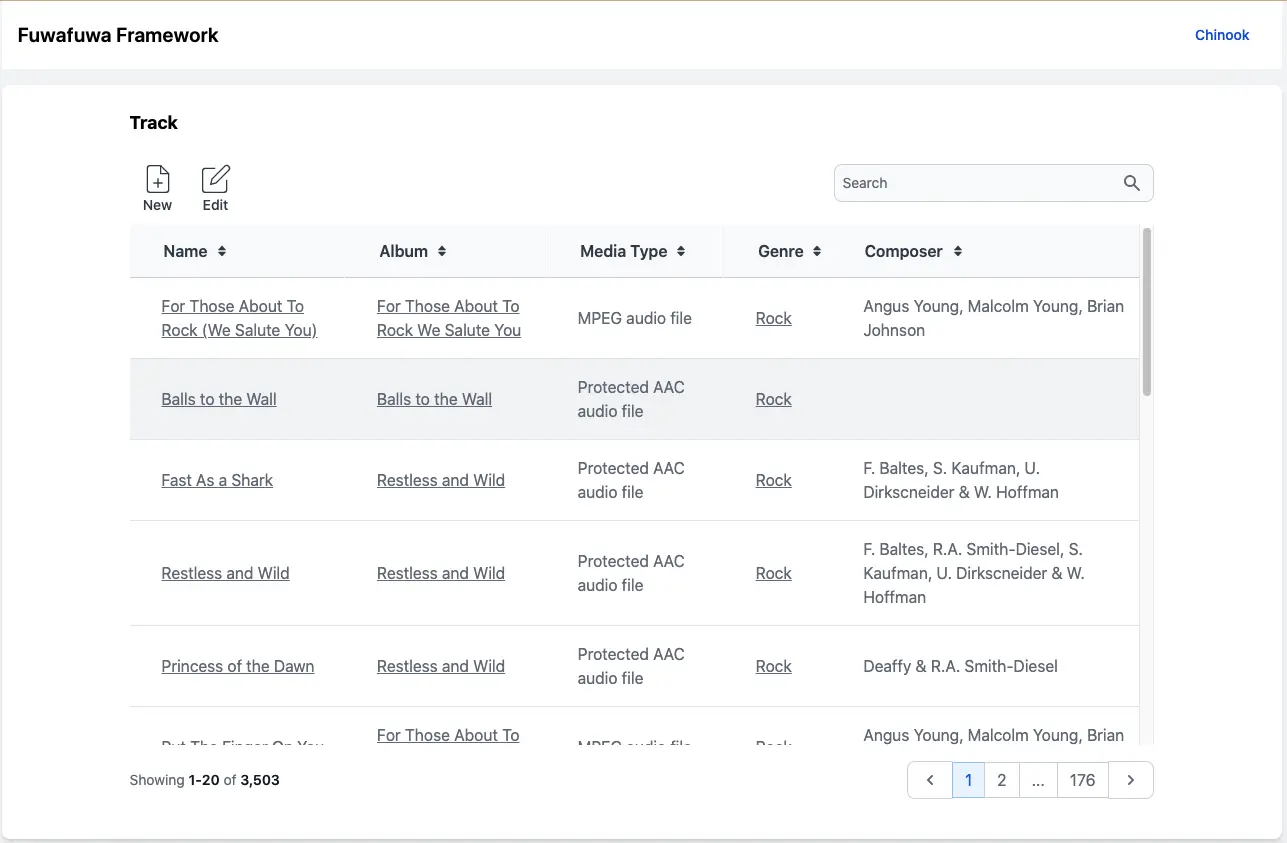
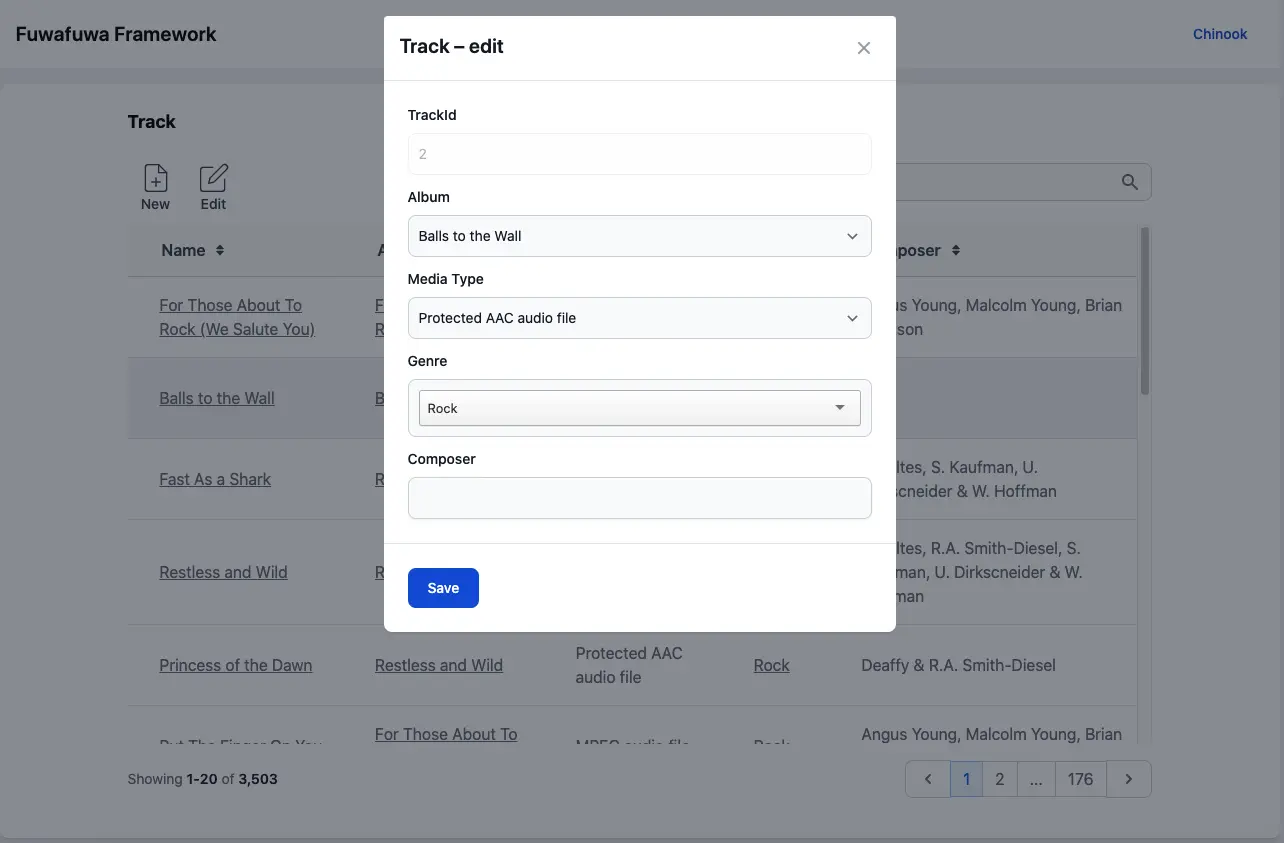
- FFTable - Advanced data tables with paging, sorting, searching, and inline editing
- Widgets - Pre-built UI components (stats cards, charts, avatars, etc.)
- Form Components - Styled inputs, selects, switches, and more